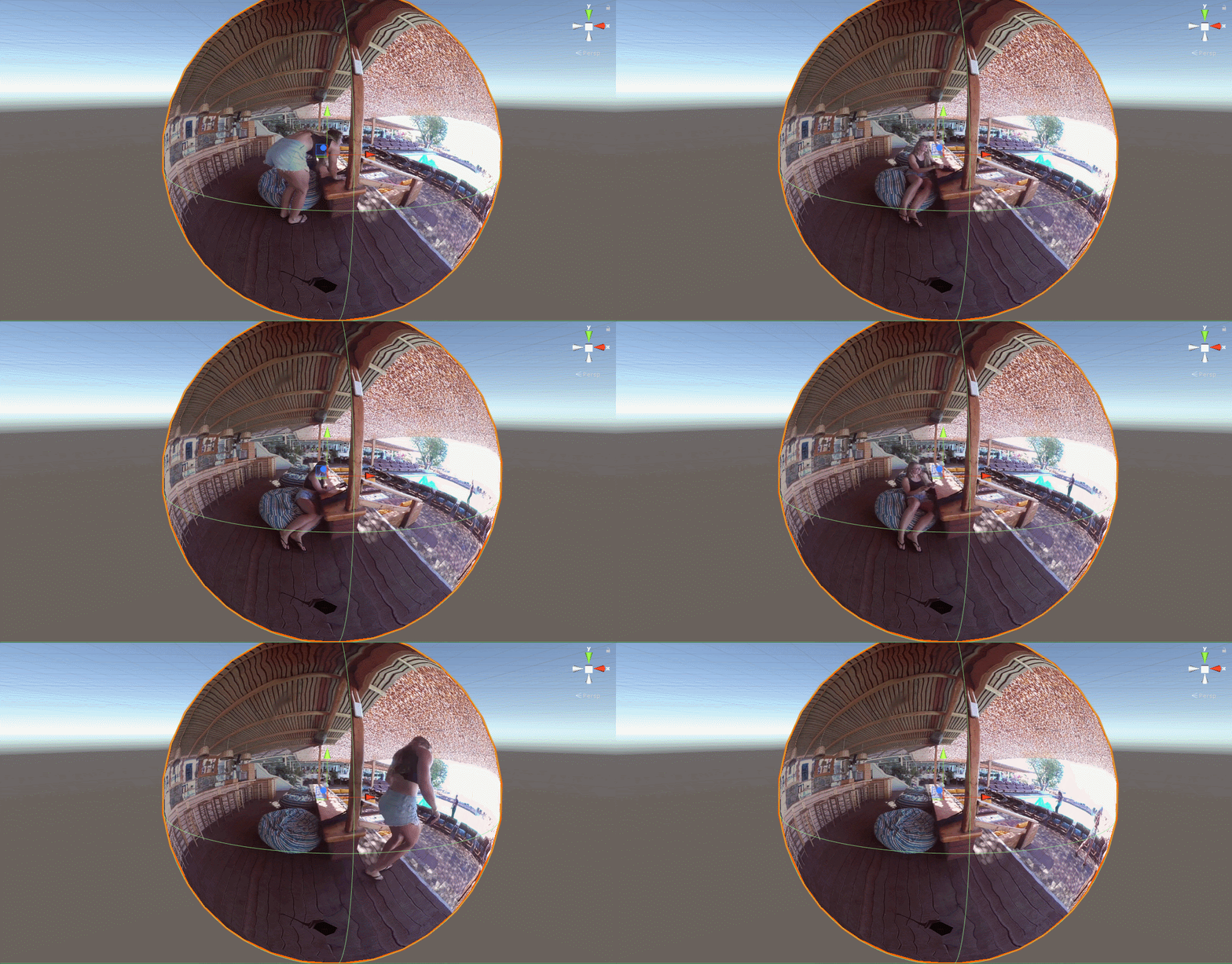
06. Put it all together
Now that we have a way to reverse our normals, we need to change our settings for the video player. The first step is to create a new material, let’s call it VideoMaterial.
In the dropdown menu for the material, instead of using Standard, select Unlit/FlippyShader.
Drag the VideoMaterial onto the sphere. Since we now don’t want the video player to override our material choice, we need to also
1) Change the Material Override property to Render Texture.
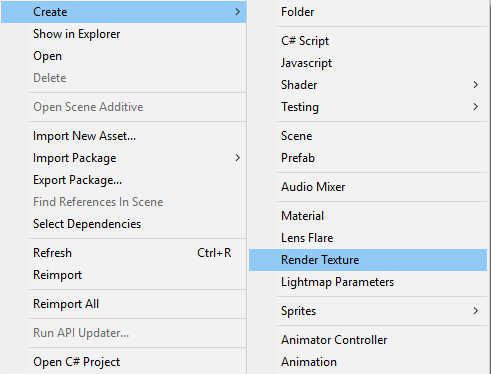
2) Create a New Render Texture in your Project Window and assign it to the Video Player.
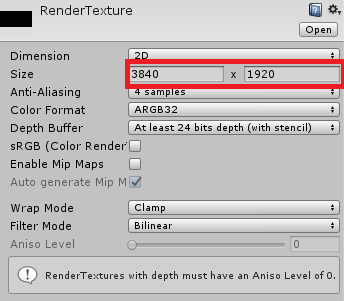
3) Change the resolution of the Render Texture to match your video.
4) Set the Render Texture as the Texture of our VideoMaterial.
Hit play, and we have successfully created a 360 Video Player!